
What's New
Spring cleaning? Not quite - we were too busy shipping. Here's everything the team built in the first half of March.
Big Features
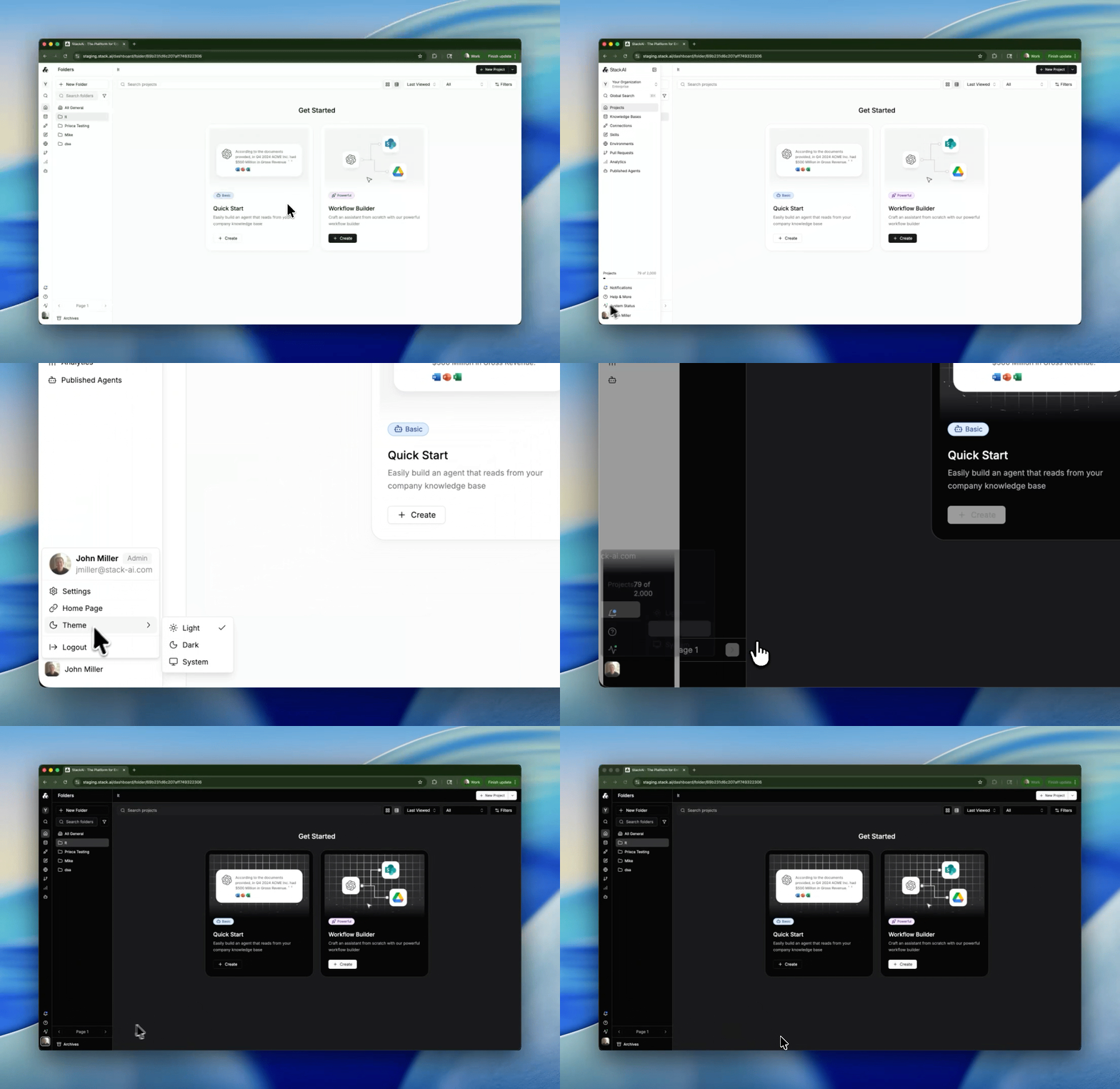
Dark Mode
The most requested cosmetic feature is finally here. Stack AI now supports a full dark mode across the entire application - the workflow editor, chat assistants, settings, and every panel in between. Toggle it from your profile settings.
Prompt to Flow: Build Workflows from Chat
Building a workflow used to mean starting from a blank canvas. Now you can describe what you want in plain English from the homepage and watch it come to life. Prompt to Flow generates a working workflow from your description, complete with the right nodes, connections, and configurations. Think of it as having a workflow architect on standby.
Canvas: A New Right-Hand Panel Framework
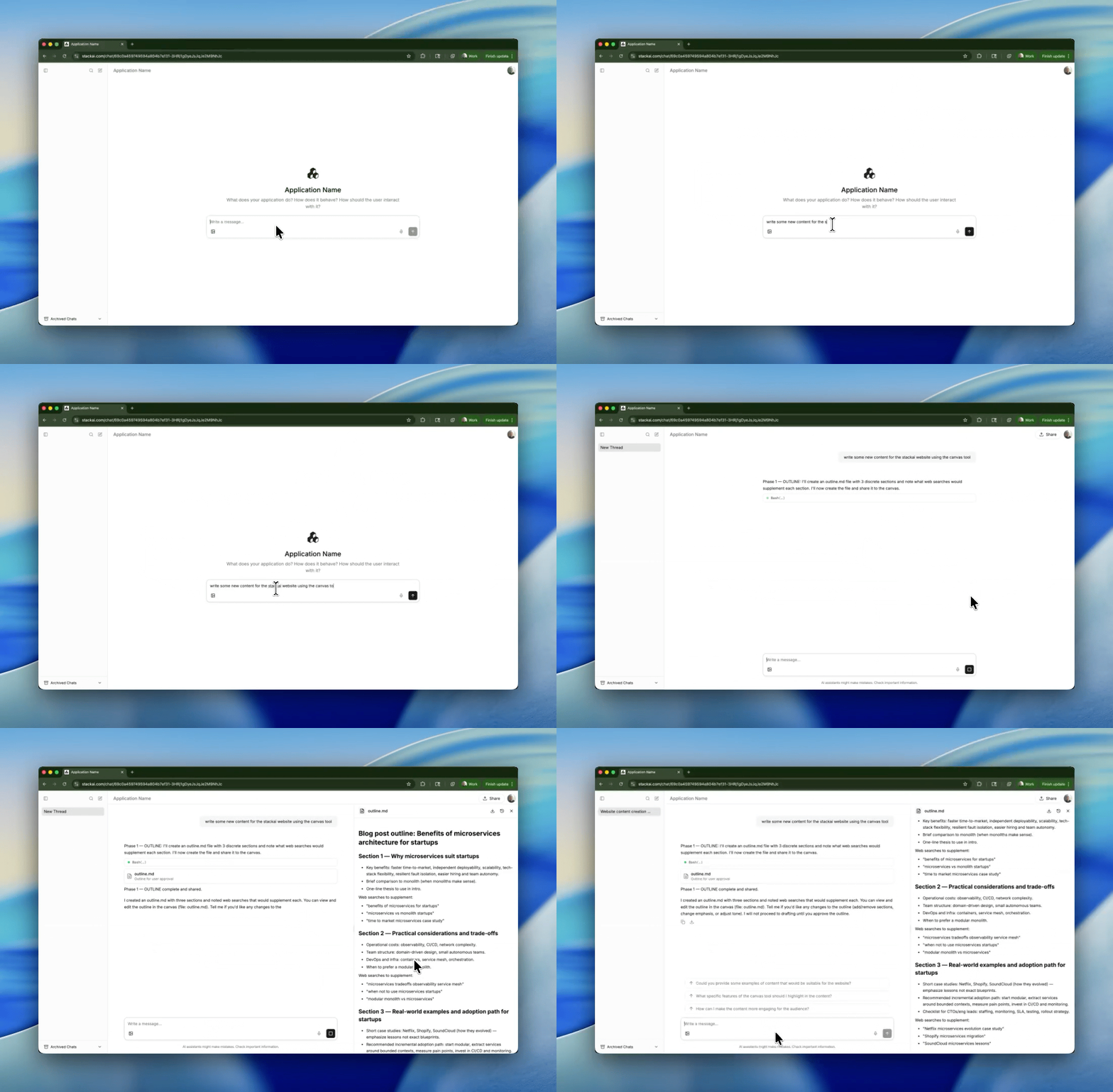
The workflow editor now features a flexible right-hand canvas panel. Underneath the hood the canvas works as a scratchpad for your agents and workflows across conversation turns. This is the foundation for richer chat experiences - starting with an updated content writer agent template that uses canvas tools directly. Expect more canvas-powered features in the weeks ahead.
Redesigned Chat Assistant
The chat experience got a ground-up overhaul. The interface is cleaner, citations now appear in a dedicated panel with a carousel view, tool call rendering is improved, and the overall flow feels more polished. If your users interact with Stack AI through chat, they'll notice the difference immediately.
Delegated Permissions: Let End Users Authenticate
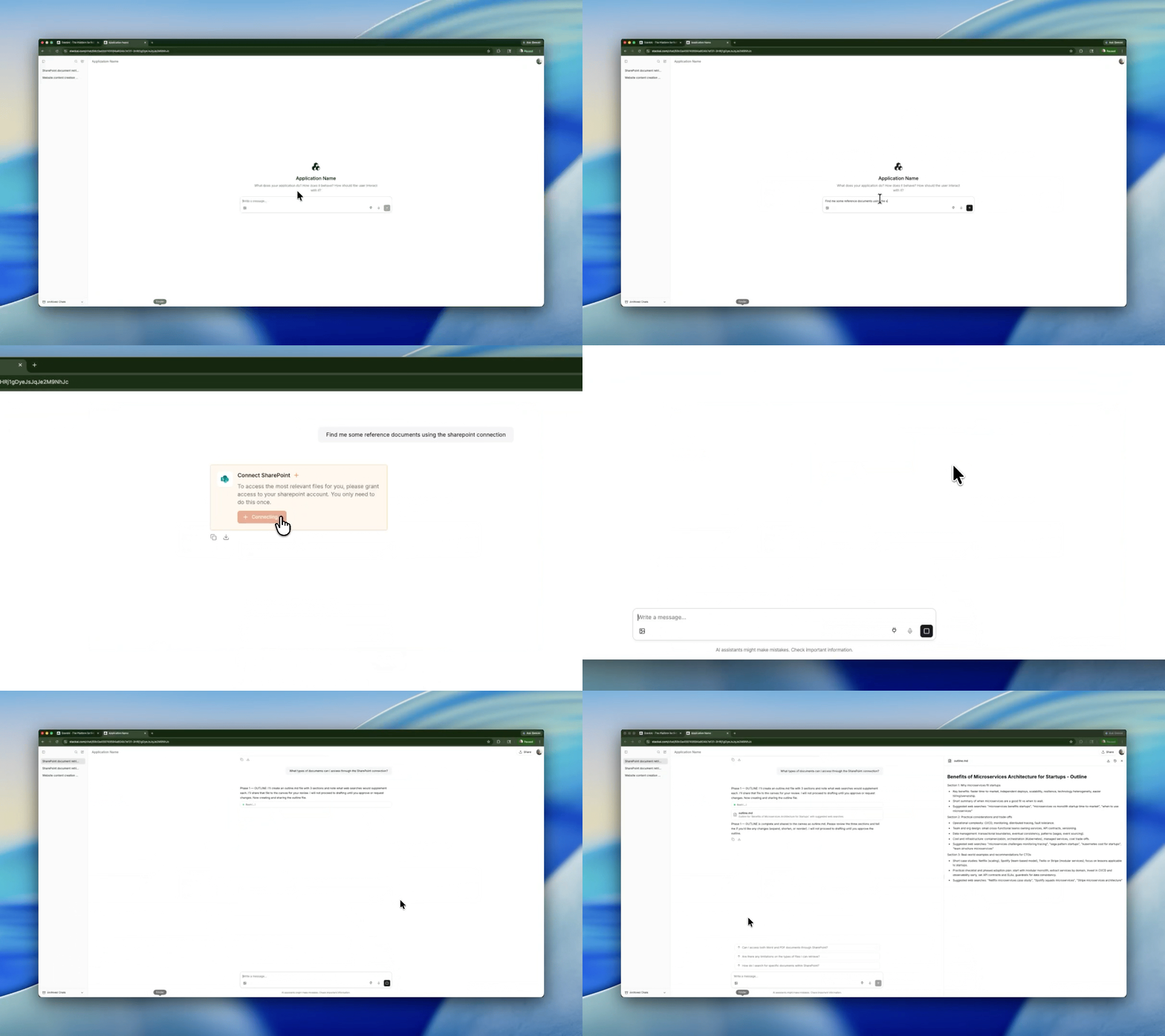
Workflows can now pause and ask the end user to authenticate with a third-party service (OAuth or credentials) before continuing. This unlocks use cases where the workflow needs to act as the user - and not just use the builders oauth credentials for each user. Complete with audit logging and scope-aware connection matching.
Per-Node Execution & Run Mode Strategies
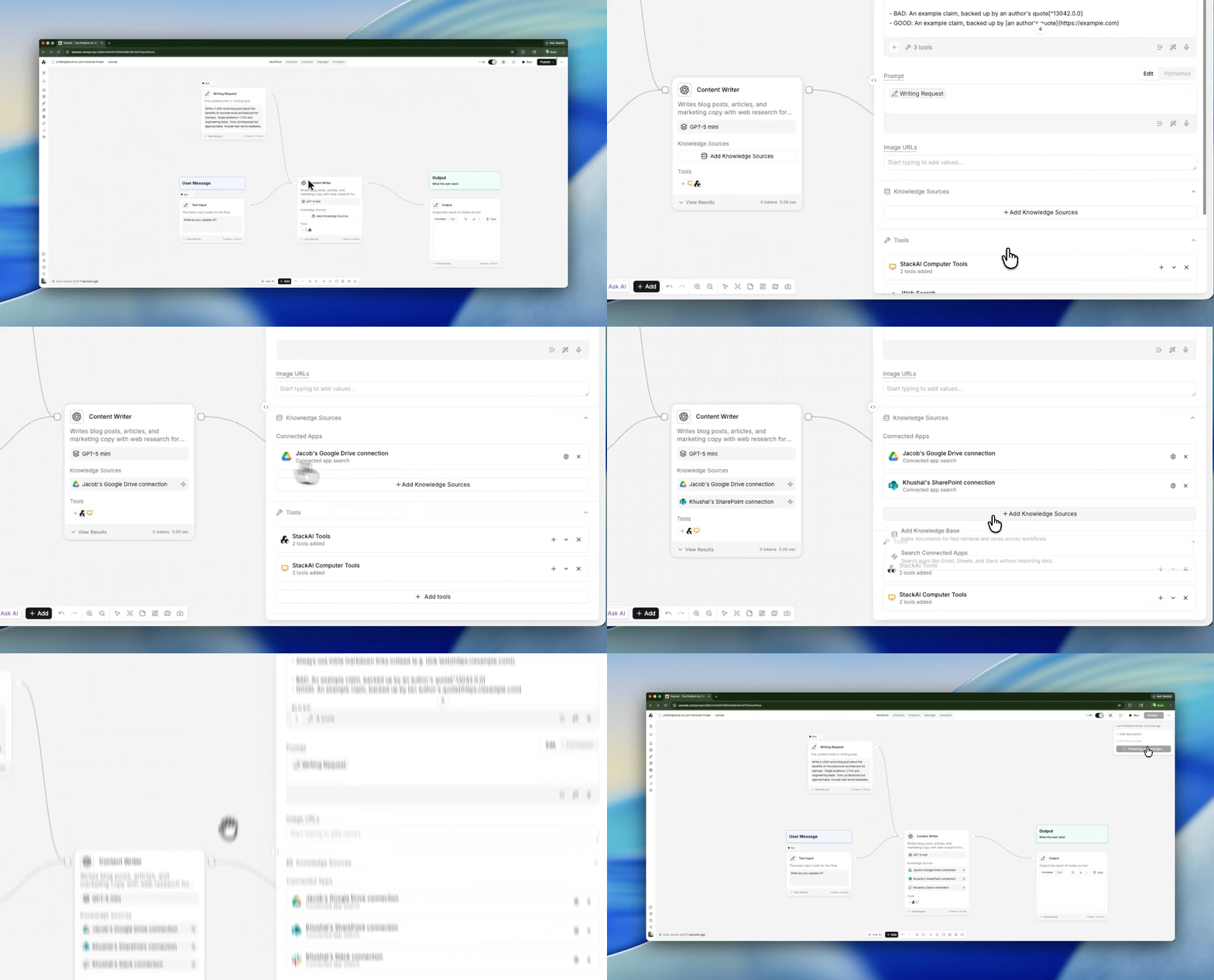
You can now run individual nodes directly from the workflow editor - no need to execute the entire flow to test one step. The expression editor also supports inline node execution. Combined with new run mode strategies, debugging and iterating on complex workflows is significantly faster.
Projects: Multi-Workflow Orchestration
Projects got major upgrades this month: delete projects, improved publish flow, template UI enhancements, self-reference prevention (a project can no longer accidentally call itself), and filtering the current workflow from the project node dropdown. Building modular, multi-workflow applications is now much more practical.
Federated Search Across SharePoint & OneDrive
Knowledge base search now spans SharePoint and OneDrive via federated search. Results include provider metadata so you can see where each hit came from. This is a big step toward unified enterprise search across all your connected data sources.
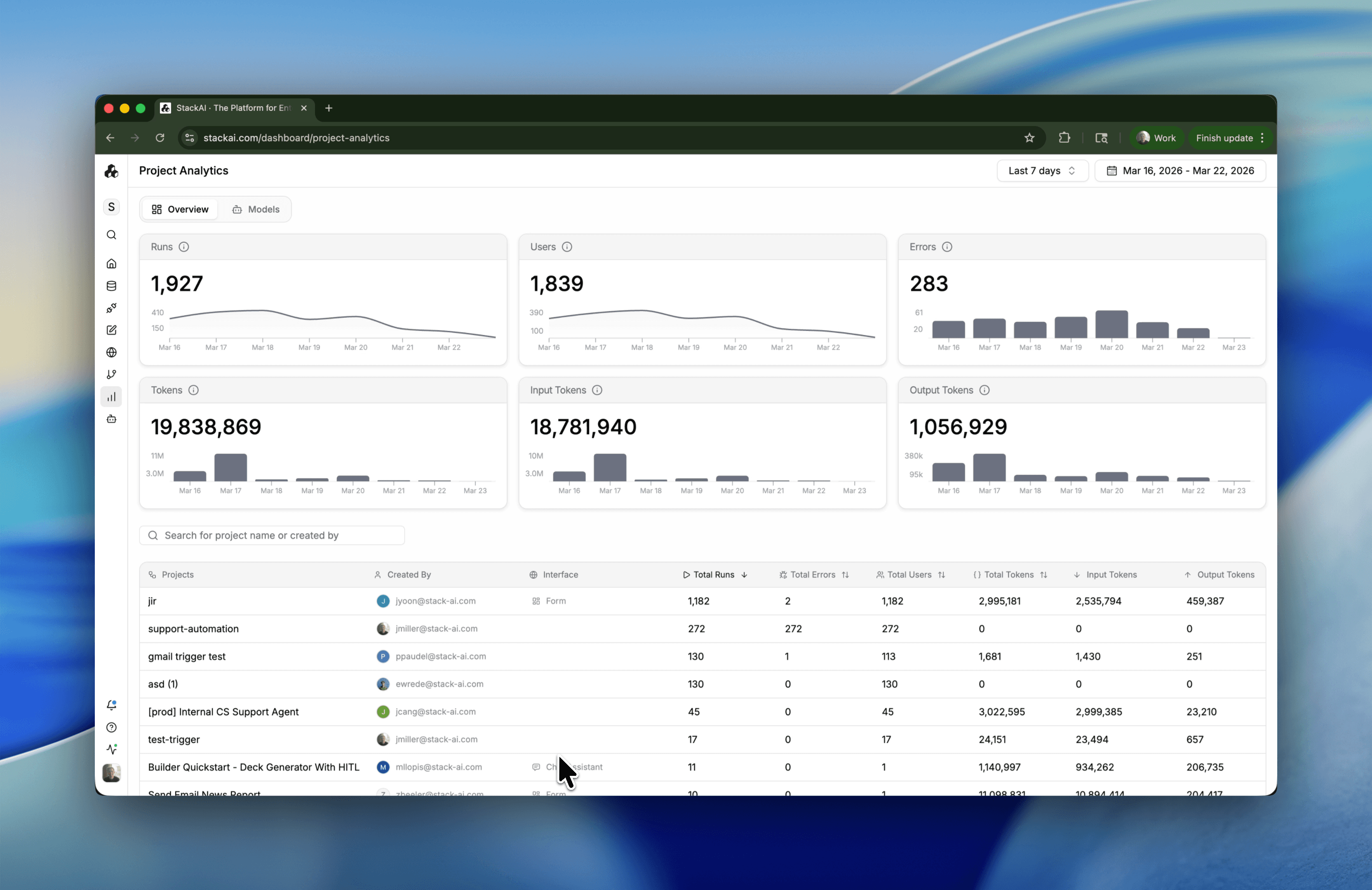
Global Analytics: Per-LLM Token Usage
The analytics page has been reworked to show token usage broken down by LLM provider and model - including input vs. output tokens. Every adapter (OpenAI, Anthropic, Bedrock, Google Vertex, Mistral, Perplexity, Replicate, and local models) now reports granular token data. Node-level run results also display token consumption.
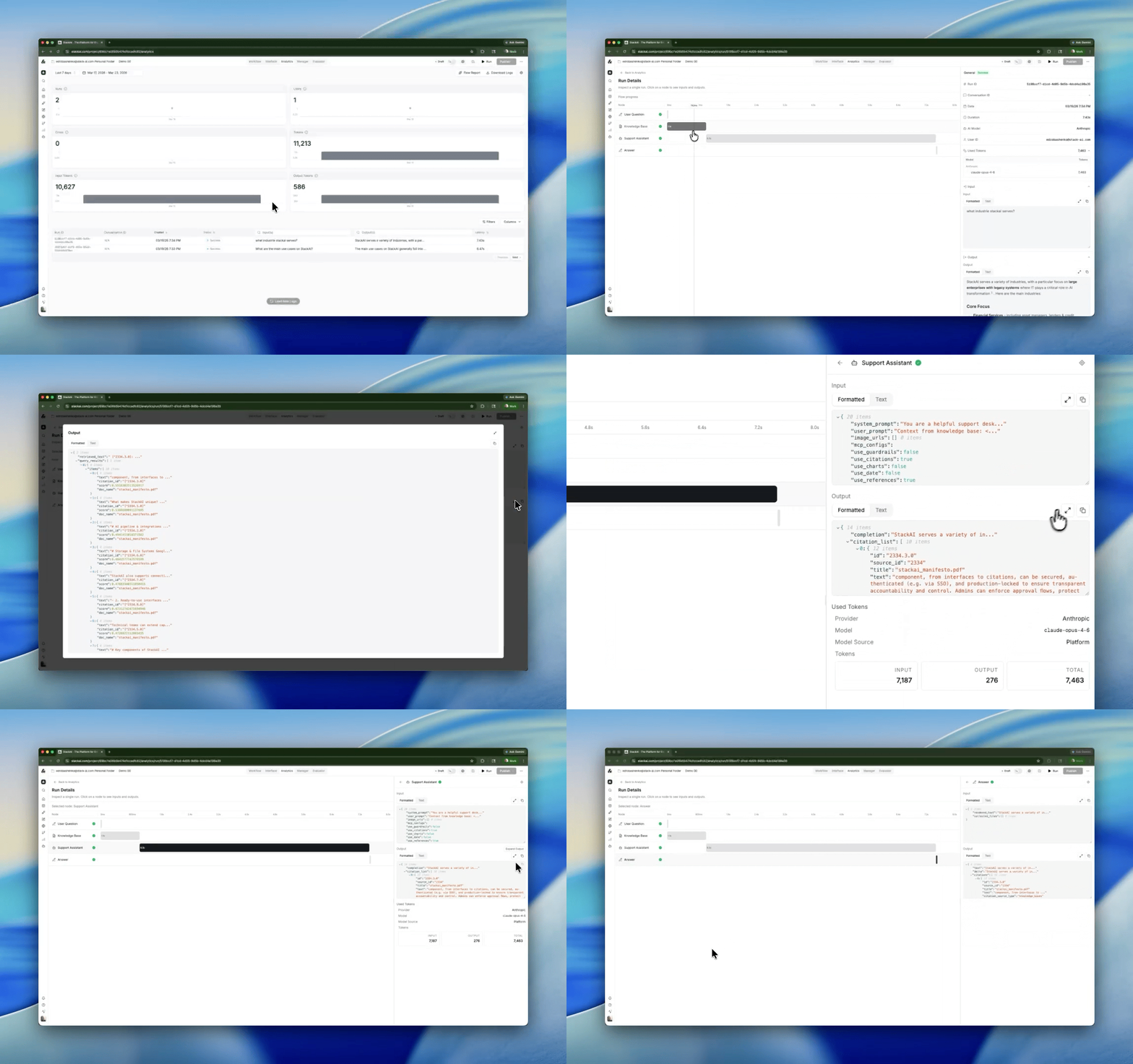
Workflow Analytics + Logs
A new workflow analytics experience captures execution traces for replay and analysis. This lays the groundwork for more powerful debugging and audit capabilities.
AI Agents Grid Redesign
The AI agents landing page has been redesigned with a cleaner grid layout. You can now navigate directly to a project from the agents grid, and pre-packed agent templates make it easy to get started.
New Integrations & Actions
OpenAI - GPT 5.4, GPT 5.2 Pro, GPT-5 mini (now the default)
TogetherAI - Kimi K2.5
Azure - Azure Files integration, Azure endpoints as primary
Egnyte - File system and AI API actions
DocRaptor - HTML-to-PDF document generation
Salesforce - Schema discovery action
PostgreSQL - DML actions, materialized views support
Google - Google Places / Maps search
SharePoint - File management actions, app-only connection for triggers
OneDrive - File management actions
Google Drive - Improved file actions
Outlook - .msg file parsing support, search email attachment URLs
Zoho Desk - Additional metadata fields in API calls
Excel - Variable support in action fields
Slack - Block Kit support, update messages, archive channel, create reminder, channel creation triggers, reaction trigger, user joined/mentioned triggers, enhanced List Files & List Channels
Quality of Life
Reconnection Edges on Node Deletion
Deleting a node in the middle of a chain used to break the flow. Now the editor automatically reconnects the surrounding nodes, keeping your workflow intact.
Node Search Overhaul
Finding nodes got smarter - improved scoring for action ID queries and better search results overall. Generate-workflow and browser-nav resume actions are hidden from search to reduce noise.
Code Node Visibility
The code node is now more prominent in the editor, making it easier to find and use.
Form Export Enhancements
The form export interface now includes a description field and collapsible sections, giving you more control over how your published forms look.
Default Dropdown Values
Form dropdowns can now have a pre-selected default value - a small but frequently requested improvement.
LLM Picker: New & Beta Badges
The model selector now shows badges for new and beta models, plus "best for" descriptions to help you pick the right model.
Connection Dialog UX
The new connection dialog has been redesigned for clarity, and you can now edit credentials for all non-OAuth authentication methods directly.
Expose Trace ID in Error Banners
When a workflow fails, the error banner now includes the trace ID - making it easy to share with support or look up in Sentry.
Guardrails Toggle Respect
The top-level guardrails toggle now properly gates all checks. Previously, individual guardrail rules could still fire even when the master toggle was off.
Send HTTP Request: Configurable Timeout
The Send HTTP Request tool now supports a configurable timeout, so long-running external API calls won't fail prematurely.
HITL Tool Chain Refactor
The Human-in-the-Loop system has been refactored for better reliability and extensibility - fixing the first-submit issue and improving the overall tool chain.
Bug Fixes:
Autosave wipe prevention - multiple safeguards added to prevent autosave from accidentally clearing workflow content.
DOCX embedded activity crash - a KeyError when processing embedded content in Word documents is fixed.
MCP PKCE compatibility - MCP OAuth connections now properly support PKCE flows.
Outlook email deduplication - webhook-triggered emails are now which had previously seen some failures should see significant increases in deliverability.
Bedrock read timeout - Bedrock requests now have a read timeout matching the Anthropic provider, preventing indefinite hangs.
JSON strict parsing for LLM output - json.loads now uses strict=False to accept control characters that LLMs occasionally produce.
Teams trigger circuit breaker - HTTP 410 Gone responses now trigger a circuit breaker instead of retrying indefinitely.
Expression editor - JMESPath expression resolver fixed, and the XYFlow spacebar no longer gets swallowed when editing in Monaco.
Analytics CSV encoding - UTF-8 BOM is now included in CSV exports so Excel renders special characters correctly.
Project node self-reference - a project can no longer accidentally trigger its own workflow, preventing infinite loops.
Coda KB indexing - fixed page export handling for Coda knowledge bases.
Chat connector preservation - the connector_type_id is now preserved in SSE delta handlers, fixing connector-aware chat flows.
Make your organization smarter with AI.
Deploy custom AI Assistants, Chatbots, and Workflow Automations to make your company 10x more efficient.





